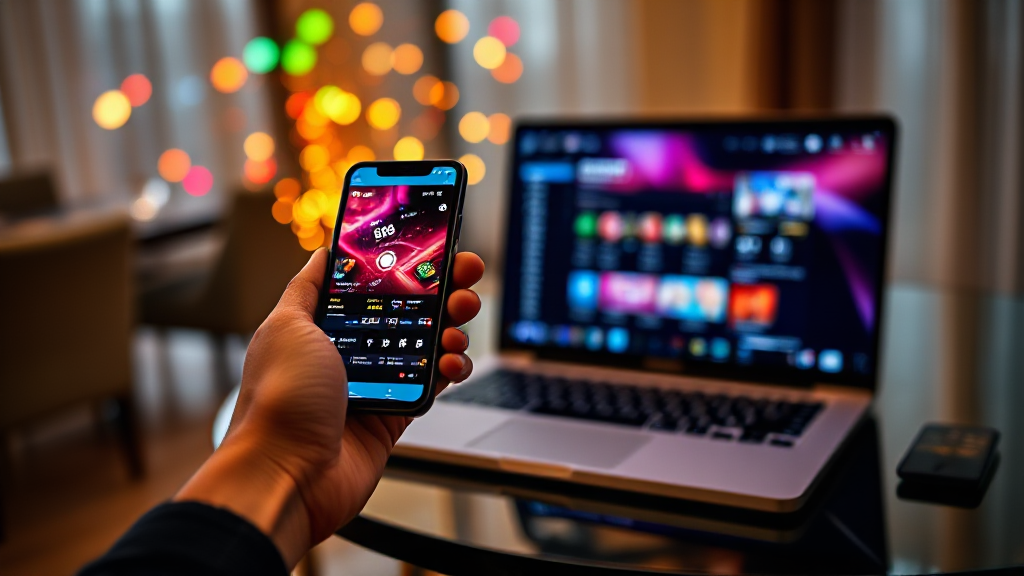
App, Mobile Browser or Desktop: Choosing How to Use tk999
Most people who decide to try tk999 assume there is one obvious way to log in and get started. In reality, there are three: the downloadable mobile app, the mobile browser version, and the desktop browser version. Each one solves a slightly different problem, and the right pick depends less on which is “best” in the abstract and more on how, where, and how often you actually plan to use the platform.
This comparison lays out the trade-offs criteria by criteria — setup effort, screen real estate, stability, data use, and convenience — so you can commit to one option with your eyes open rather than defaulting to whatever you saw first.
Setup effort and first-session friction
The app requires the most deliberate start. You download it, install it, and often allow permissions before you ever see the interface. That front-loaded effort pays off later, but it does mean your first session is really an installation session. On some devices you may also need to adjust security settings to allow an install from outside the official store, which adds a step or two for less technical users.
The mobile browser sits at the opposite end. You open your browser, type the address, and you are in. Nothing is stored on your device, nothing needs updating, and there is no install prompt to dismiss. If you are still deciding whether the platform suits you, this is the lowest-commitment way to look around.
Desktop browser lands in the middle. There is no installation, but you are tied to a machine, and you need to be at that machine to use it. For someone who mostly works at a computer anyway, that is barely a drawback. For someone who wants quick access during a commute or a lunch break, it is a real limitation.
Screen space, layout and how much you see at once
Desktop wins this category without much argument. A full monitor gives you wide layouts, multiple panels visible simultaneously, and far less scrolling. If your activity involves watching several things at once or reading detailed information, the desktop browser is simply more comfortable.
The app is designed around a phone screen, which means it is optimized rather than merely shrunk. Buttons sit where thumbs can reach, menus collapse into tabs, and the interface avoids the cramped feeling you get when a desktop page is squeezed into a narrow viewport. The trade-off is that you see less at any single moment and navigate more.
The mobile browser is the awkward middle child here. It renders a version of the site that has to work across many screen sizes, so it rarely feels as tailored as the app or as spacious as the desktop. On a large phone in landscape it is perfectly usable; on a small screen it can feel tight.
Stability, updates and everyday reliability
Apps tend to be the most stable option once installed, because the version you have is the version you tested. Updates arrive on their own schedule, and occasionally an update changes something you had gotten used to. That is a minor annoyance rather than a serious problem, but it is worth knowing.
Browsers have the opposite profile. You are always on the current version of the site, so you never fall behind, but your experience also depends on your browser, your connection, and how many tabs you have open. A browser that is struggling with twenty other tabs will make any site feel slow, and it is easy to blame the platform for something your own device is doing.
Data use matters here too. The app can cache elements locally, which often makes repeat visits lighter on your connection. The browser re-fetches more each time. On a stable Wi-Fi connection this is invisible; on a limited mobile data plan, over months, it adds up.
Convenience, switching and the verdict
Convenience is where the app pulls ahead for regular users. A home-screen icon is one tap away, notifications can reach you without you opening anything, and the session starts faster. If you plan to check in most days, that friction reduction is the single strongest argument for installing it.
The desktop browser remains the best choice for anyone who wants a big screen and does not care about portability. It is also the most forgiving option if you dislike installing software on your phone or share a device with family members.
The mobile browser is the right answer for the undecided, the occasional user, and anyone on a device with limited storage. It asks nothing of you and lets you walk away without a trace.
If a single recommendation is needed: install the app if you expect to use the platform regularly, use the mobile browser if you are testing the waters, and use the desktop browser if you are usually at a computer. Many people end up doing two of the three — the app on the phone, the desktop browser at home — and that combination covers almost every situation.
Switching between options is easier than it sounds. Your account is the same regardless of how you reach it, so you can start a session in the app, continue on a laptop, and pick up again on the phone without losing your place. The only thing that does not transfer is your local setup: saved passwords, notification preferences, and cached data stay with the device you configured them on. If you switch devices often, take a minute to save your login details properly on each one so you are not re-entering them every time.
One last practical note: whichever route you choose, treat the access method as a habit rather than a one-time decision. Revisit it every few months. If your phone storage fills up, the app may no longer be worth its footprint. If your data plan changes, the browser may become the smarter default. The three options are not ranked in a fixed order — they are tools, and the right one changes as your circumstances do.